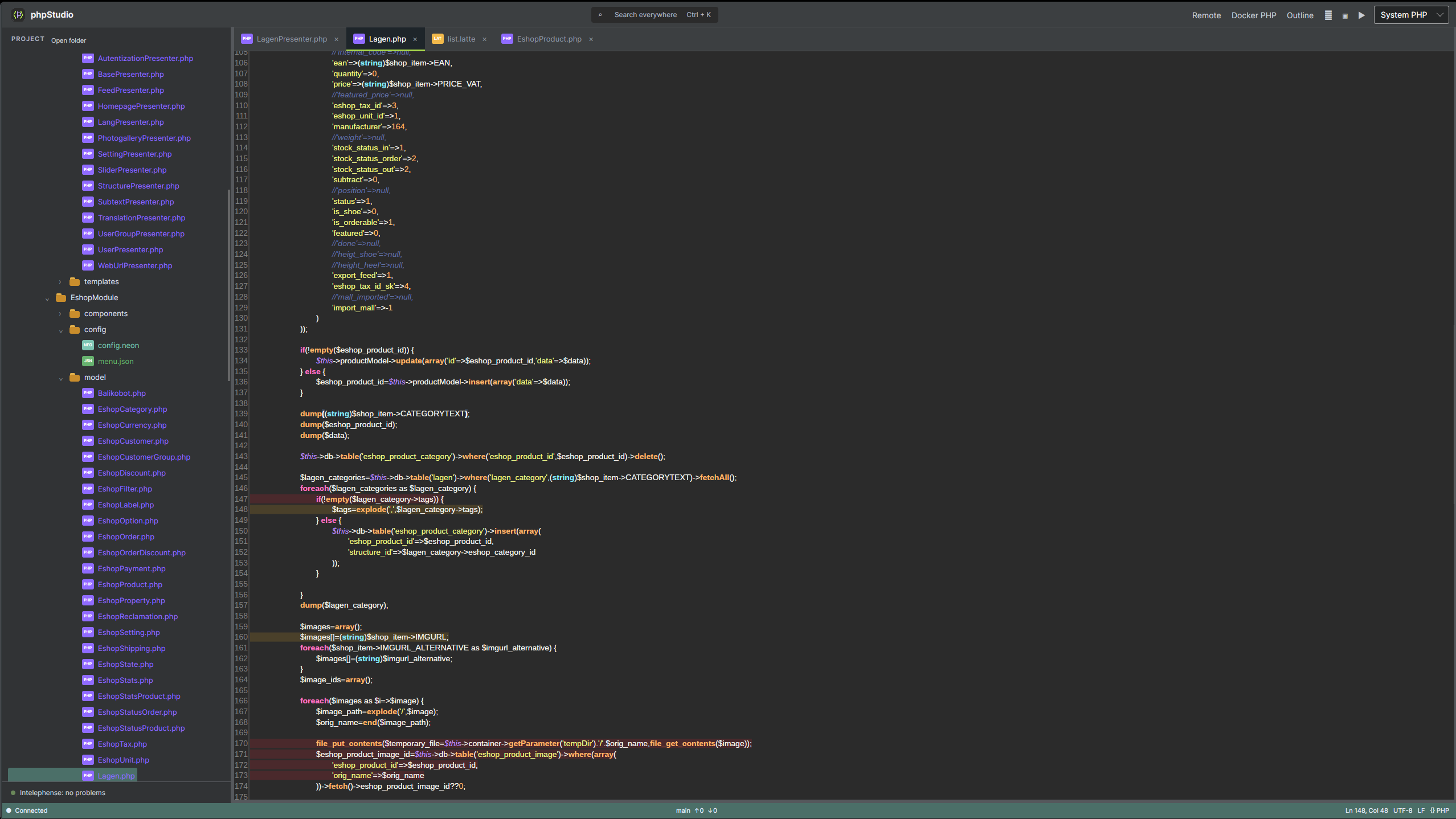
PHP stack editor
Tabs, line numbers, and highlighting for PHP, HTML, Latte, CSS, JSON, SQL, and more.
 phpStudio
C# / Avalonia / PHP
A lightweight cross-platform PHP IDE foundation for daily project work, remote servers, separated profiles, and fast code checks.
What it offers
Tabs, line numbers, and highlighting for PHP, HTML, Latte, CSS, JSON, SQL, and more.
File tree, quick open, local item rename, and an outline for symbols in the active file.
PHP version selection, output panel, integrated terminal, and Docker PHP linting.
SFTP, FTP, and FTPS connections for browsing, editing, transfers, and remote renames.
CLI profiles keep projects, remote connections, history, and runtime settings apart.
Release builds can be installed into the current user's local profile or system-wide.
Working rhythm
phpStudio loads the project tree and restores the last workspace context.
The editor combines highlighting, completion, diagnostics, and outline navigation.
Run files with local PHP, lint in Docker, or edit directly through a remote profile.
Start another instance with a different CLI profile for clients, testing, or production.
Download
Download a self-contained package for your system, or grab the development source package and start it with dotnet run.
Install
The installer creates a local launcher, desktop entry, and icon. Without a profile, the app keeps using the original workspace settings.
./install.sh --build
phpstudio
phpstudio --profile client-a
Development
You can keep running the repository directly through the SDK without installing it into the system.
dotnet restore
dotnet run -- --profile test